
Alpha comics universe
Members
-
Joined
-
Last visited
Everything posted by Alpha comics universe
-
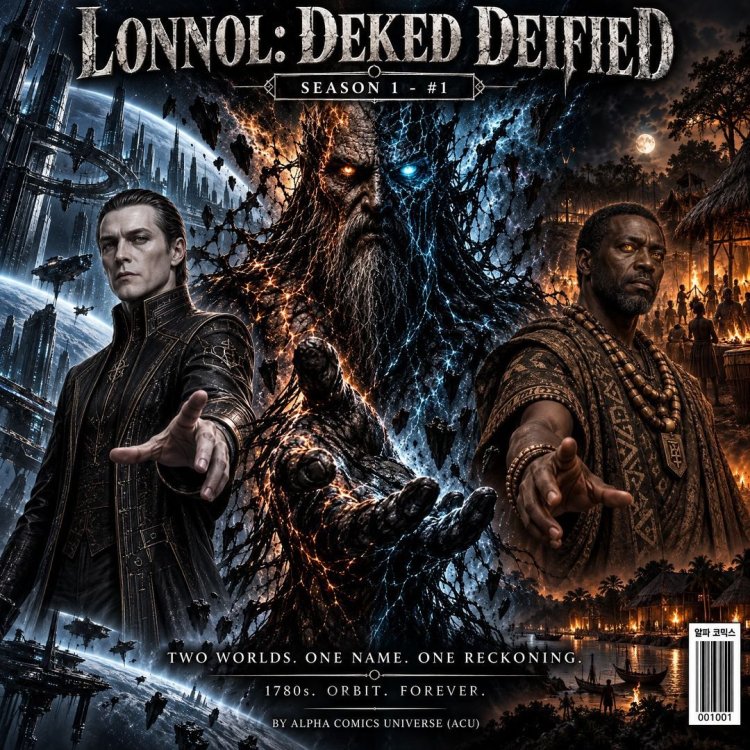
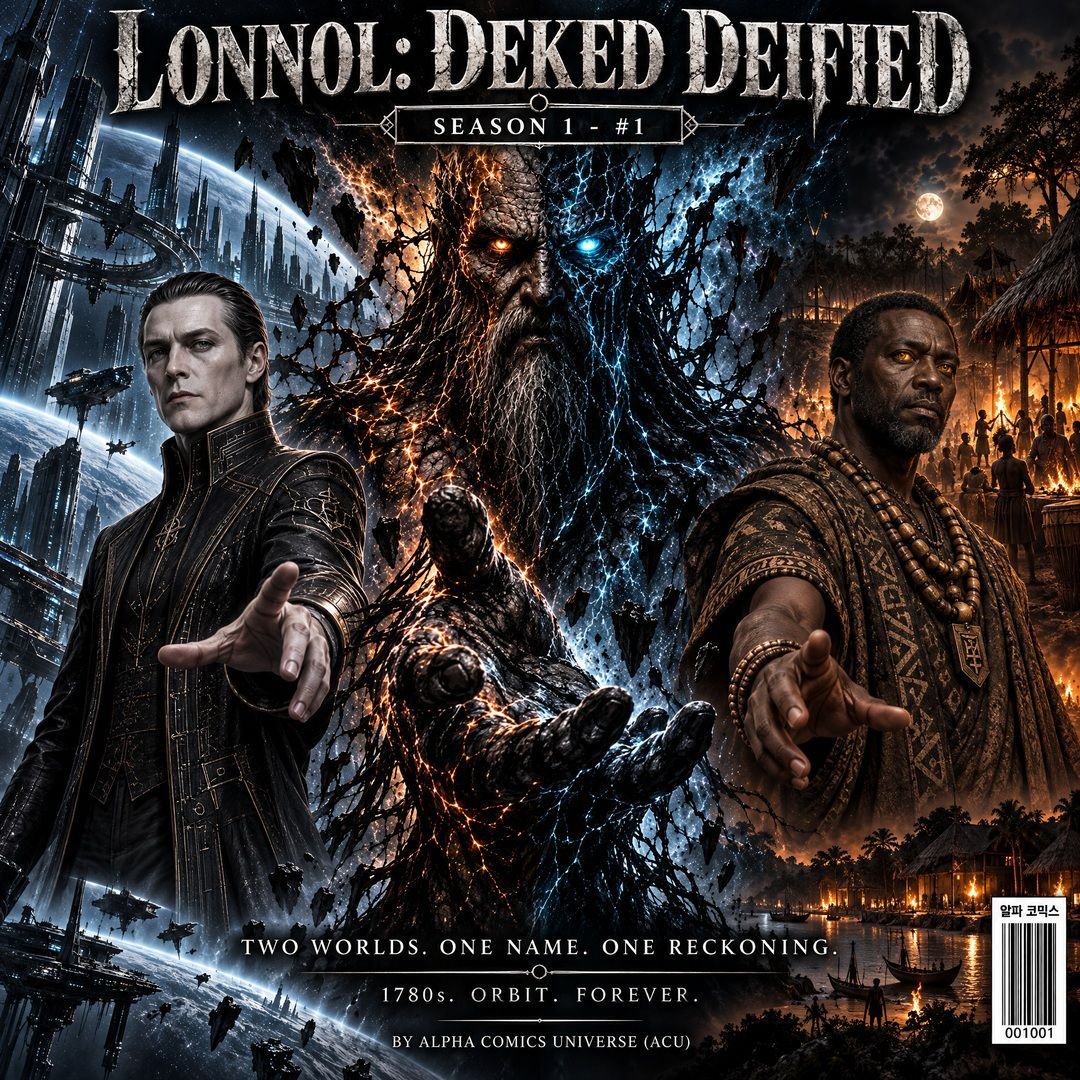
Hey everyone!I’m thrilled to officially share the launch of my indie comic universe, Alpha Comics (ACU), starting with our very first flagship series: LONNOL: DEKED DEIFIED. If you love high-concept sci-fi colliding with historical dark fantasy, this one is built for you. The Premise: What happens when a futuristic orbital space hegemony crashes straight into a 1780s West African settlement? A violent, reality-shattering temporal rift. At the center of this collision is LONNOL—a massive, god-like dual entity split between ancient obsidian stone and raw electric-blue temporal energy. Key Players in Episode 1: Senator Vane Sterling: The cold, calculating ruler of the orbital era, obsessed with absolute control and legacy. The Temne Strategist: A spirit-possessed tactical leader on 1780s Earth armed with ancestral blood and supernatural insight. LONNOL: The cosmic entity acting as the anchor keeping both timelines tearing at the seams. We’ve poured everything into crafting a unique aesthetic—merging cold futuristic blue tech with warm, smoky 1780s torchlight and intense graphic novel lineart. Check out the official cover and teaser art below! I’d love to hear your thoughts, feedback, and theories as we kick off Episode 1. What do you guys think of the dual-timeline concept? Let's discuss! 👇🔥 https://www.webtoons.com/en/canvas/lonnol/the-first-whisper/viewer?title_no=1177735&episode_no=1