Skip to content
View in the app

A better way to browse. Learn more.

ComicBook Forum

A full-screen app on your home screen with push notifications, badges and more.

To install this app on iOS and iPadOS
  1. Tap the Share icon in Safari
  2. Scroll the menu and tap Add to Home Screen.
  3. Tap Add in the top-right corner.
To install this app on Android
  1. Tap the 3-dot menu (⋮) in the top-right corner of the browser.
  2. Tap Add to Home screen or Install app.
  3. Confirm by tapping Install.

PhoenixRanger00713

Members
  • Joined

  • Last visited

About Me

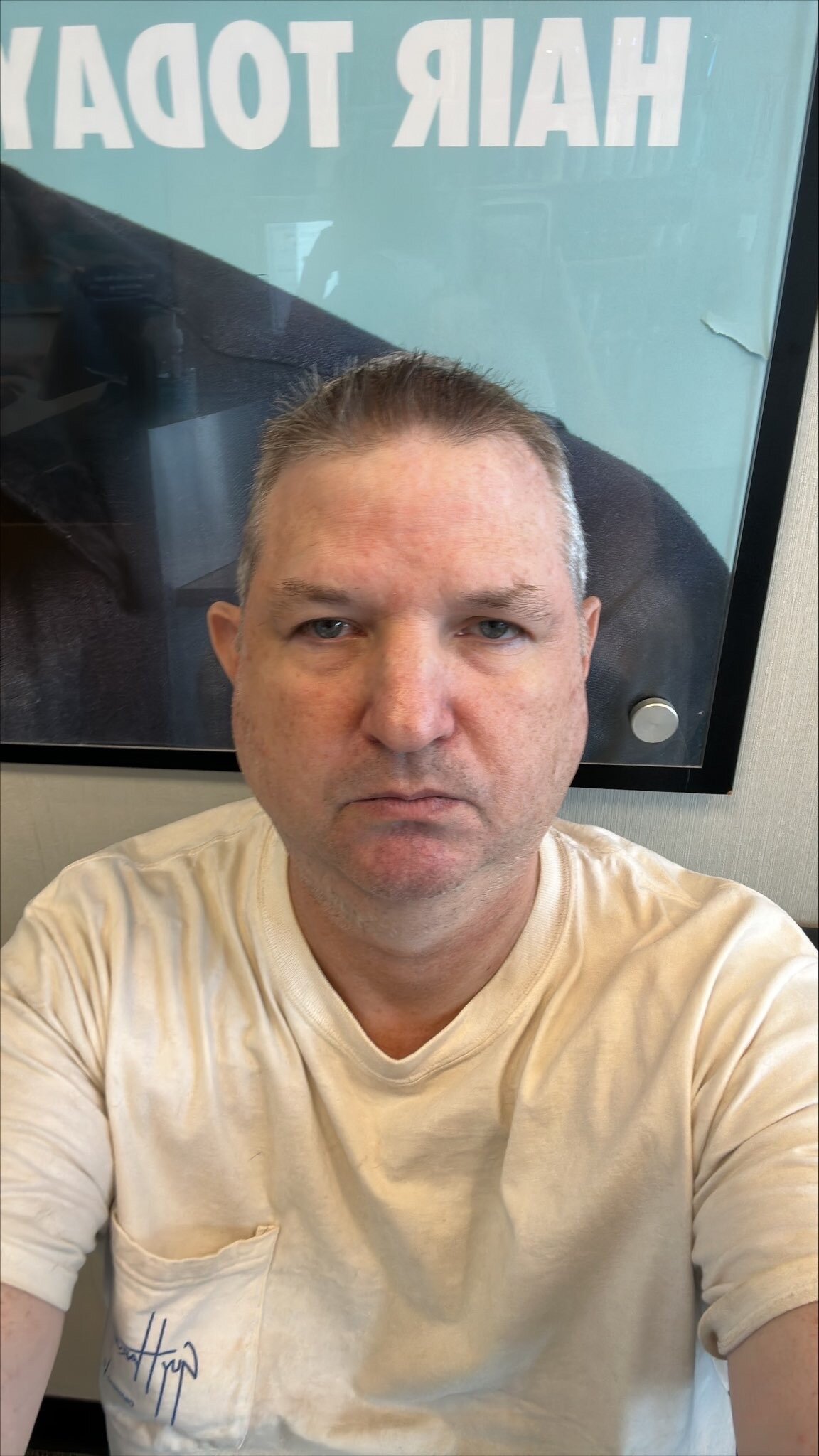
I’m 52 Years Old and a big, giant, huge major Fan/Supporter of the entire Entertainment Industry. I’ll always continue to do so and have great respect for each also every single Person who’s in the Industry. I, Myself am a Disabled Veteran of serving 5 Years in the Military Service with the U.S. Navy plus I’m a Retired U.S. Marshal with the Government Agency towards Law Enforcement of 25 Years Service. Now I’m just enjoying Life after Working 30 Years total!

Account

Navigation

Search

Search

Configure browser push notifications

Chrome (Android)
  1. Tap the lock icon next to the address bar.
  2. Tap Permissions → Notifications.
  3. Adjust your preference.
Chrome (Desktop)
  1. Click the padlock icon in the address bar.
  2. Select Site settings.
  3. Find Notifications and adjust your preference.