
bakerE
Members
-
Joined
-
Last visited
-
bakerE changed their profile photo
-
Hi all, just wanted to share some nerdiness and share that this is my first time going through a Star Trek series and watching every episode in order. I am absolutely hooked and love the characters and storylines of The Next Generation. While I've been looking for merch, I found out that a special additional character is going to be popping up soon and I cannot wait! Each episode introduces new characters or showcases our interactions with individuals who are different from us, and I think that's so moving to see humanity at its best. Data is my all time favorite character. His robotic eccentricities are delightful and it shows just how great of an actor Brent Spiner is. Does anyone else have some favorite moments or characters from TNG?
-
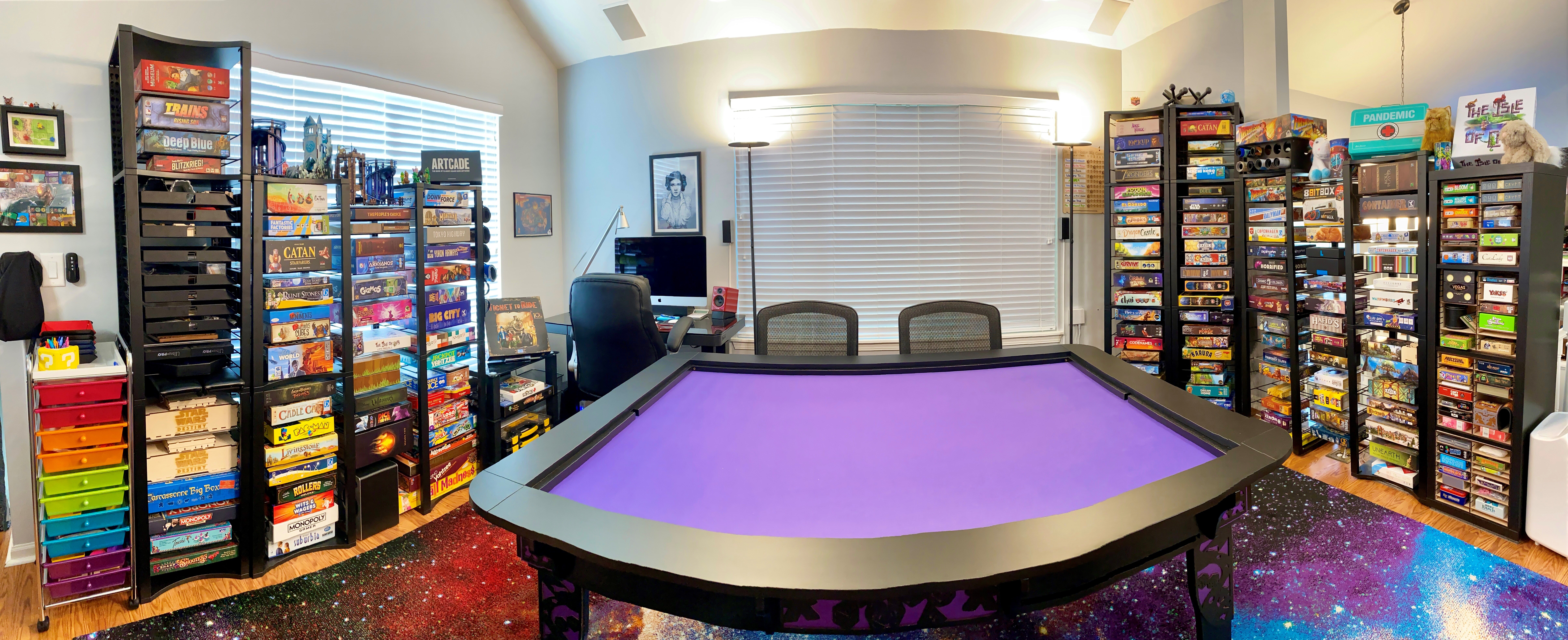
Hello from Chicago! I’m into 3D printing and board gaming, glad to be here!
-
bakerE joined the community
-
Ye are my flesh and blood. And since ye returned to me, I'm finding ye're my heart and soul as well. —Jamie, Outlander