
iitsastro
Members
-
Joined
-
Last visited
-
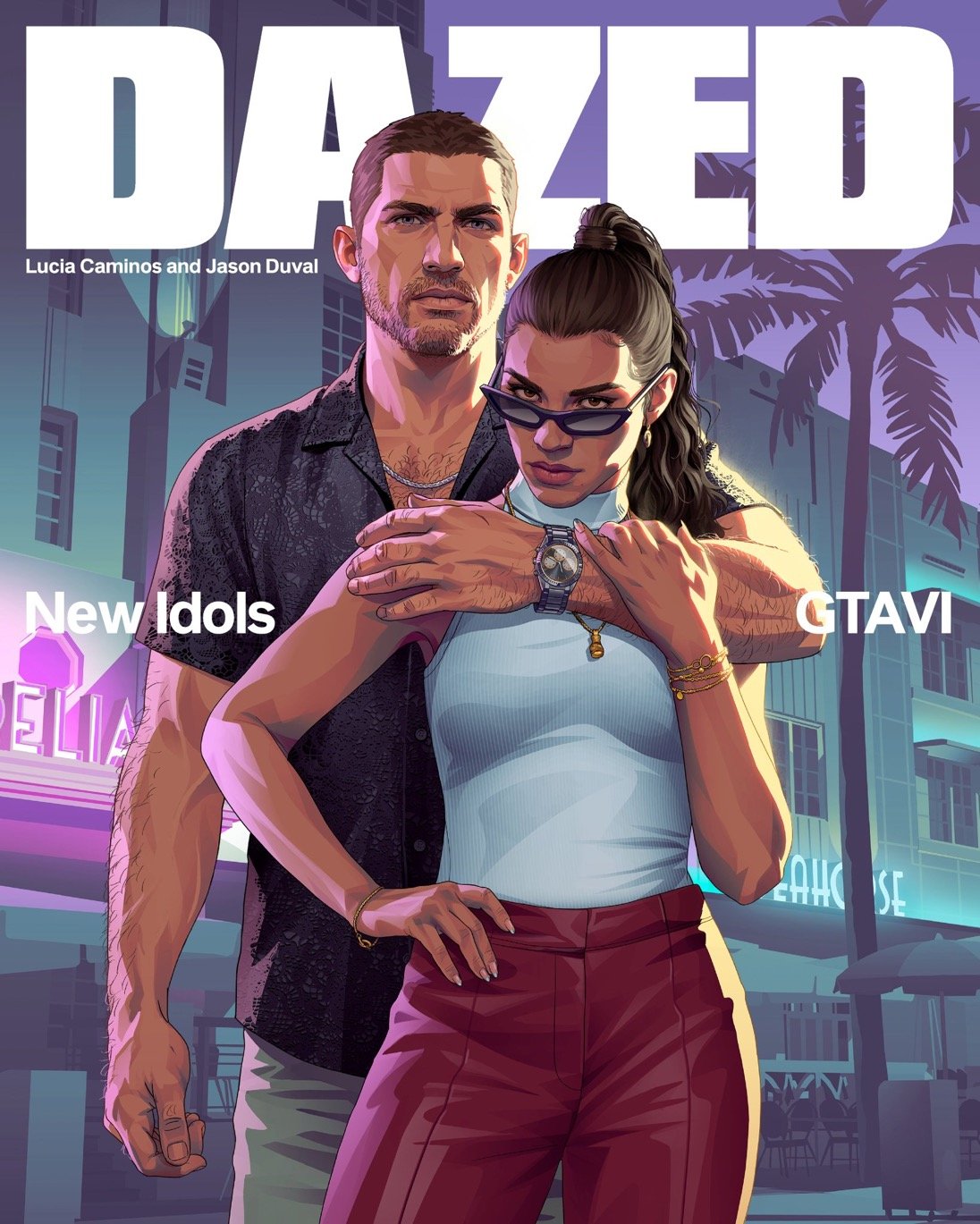
Honestly picking one is hard seeing all the new systems that were announced is really surreal, a never before experience in a gta game and after 13 years we get to witness it all.The announced systems will surely make for some wild gameplay especially the revamped wanted system
-
I think the car jacking system is interesting can't wait to see it in action
-
iitsastro changed their profile photo
-
Vice city stories forsure i loved the story crazy enough i was kinda sad when vance died in vice city 😂😂
-
Favorite appearance has to be the wolverine anime from 2011, im suprised not alot of people know about. I always get crazy looks when i mention it but it is pretty amazing.
-
Gta vice city stories on the psp always been my favorite such an under appreciated gem, can't wait to see the exetended preview for gta 6.
-
"Excuse me Miss, what color is Michael Jackson?"
-
"Excuse me Miss, what color is Michael Jackson?"