FantasticJerome
Members
-
Joined
-
Last visited
Everything posted by FantasticJerome
-
Honestly, I haven't had time to even read the first one lol it's on my reading list for this week though. I've heard the stories are really good, I'll let you know how it is. But I think they went a little crazy on the variants lol
-
That does sound like an improvement. My kids mainly play beat em ups like the TMNT game and other simple games, so I may just get them an original Switch for now and maybe upgrade it later. They will likely spend most of their Switch time connected to the TV instead of carrying it around.
-
Thank you! My kids mainly play simple games and like beat em ups like TMNT, so I'm considering just replacing their old ones with an older Switch for now. They probably won't carry it around much and it will likely stay in the gaming room connected to a TV.
-
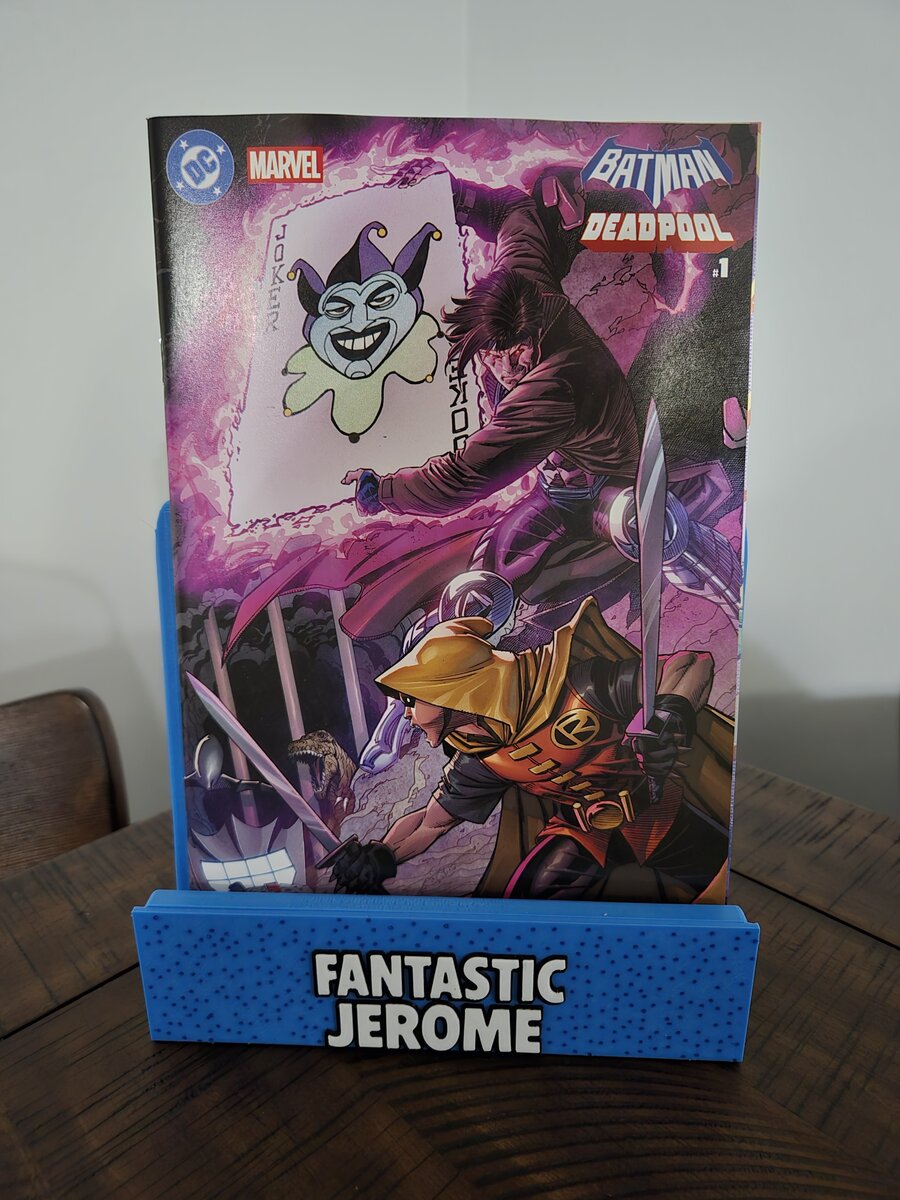
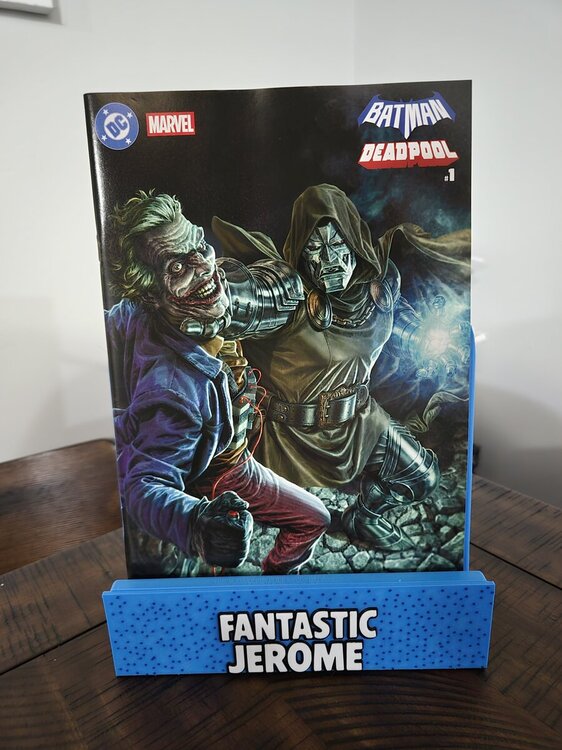
Here are the two I picked. I wanted to get more but already had a stack of comics.

-
I've been curious, are there major differences between the Switch 1 and 2?
-
Congrats!!!
-
Batman/Deadpool #1 finally dropped today, and I’m curious who else grabbed a copy. Which cover did you go with? Your shop have all the variants, or did anything sell out fast? I walked in today and my local comic shop had an entire wall full of every cover! I ended up getting the Doom/Joker cover and Gambit/Robin cover, but there were many more I wanted too 😅
-
Two of my kids want a new Switch since they lost theirs but I'm only getting one at those prices lol
-
I subscribed! I'll tune in
-
My kids request this series occasionally and it's hard to watch 😂at least it's creative.
-
Hey congratulations!
-
I'll start watching ComicBook Nation, I'm just now hearing about it.
-
My son and I like to play Vorkuta!
-
I loved the first one!
-
This was a great week for new comics! I have a huge stack to read this week : )
-
Now that's a game I haven't thought of in forever! Anyone else remember how cool it was to see DK set up in a store that you could play while your mom shopped? Those were the days!
-
The arcade in my town has the old 6 player Marvel arcade and I introduced my kids to it. They weren't all that impressed but still played it a few times with me.
-
I had this and could never beat their second levels lol
-
I haven't played it in a while, but my son and I used to play the 1Up Arcade all the time!
-
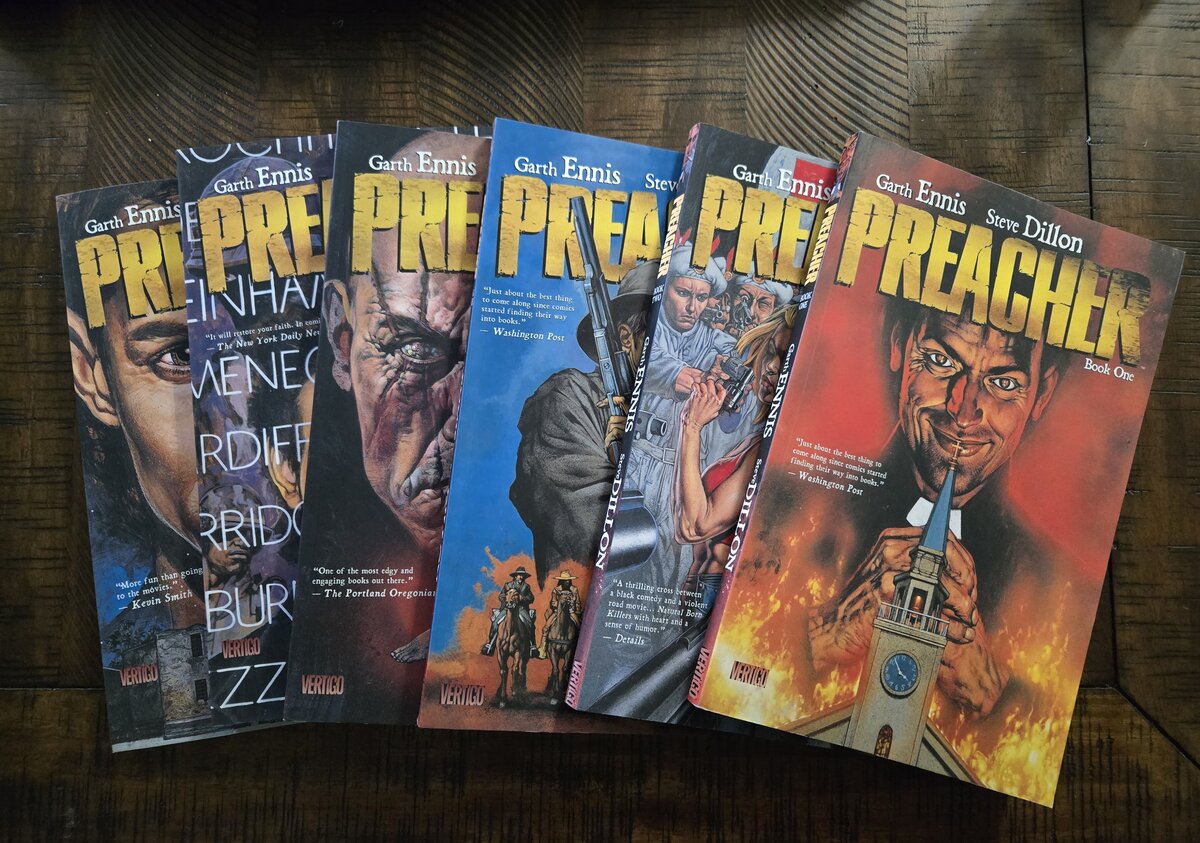
I can also recommend Preacher. I just finished book 1 and started on book 2. So far the series is a great read!

-
Somehow I never played the Sega Saturn : ( I went from NES to Super Nintendo and then didn't play anything for years. However, I'm getting back into playing retro games and will try this system out.
-
I watched the first movie (remake) the other day and it was still pretty good. I'm going to watch part 2 this week and then switch over to the older ones before watching the series.
-
I started the series from the beginning this past weekend so I can see them all in order before watching the latest installment. Either way, I'm excited to see how it all ends. I've enjoyed the movies so far.
-
I picked up this Marvel Zombies collection the other day and have already read the entire book! It was way better than I thought it would be and collects a handful of Fantastic Four books and Black Panther dealing with Marvel Zombies. I'll get the other books in the series soon!

-
I haven't heard of this one, but I'm going to look it up now.